I wanted to have a test run before going for the full book and it would be an understatement to say that I have learned a lot in the past few days.
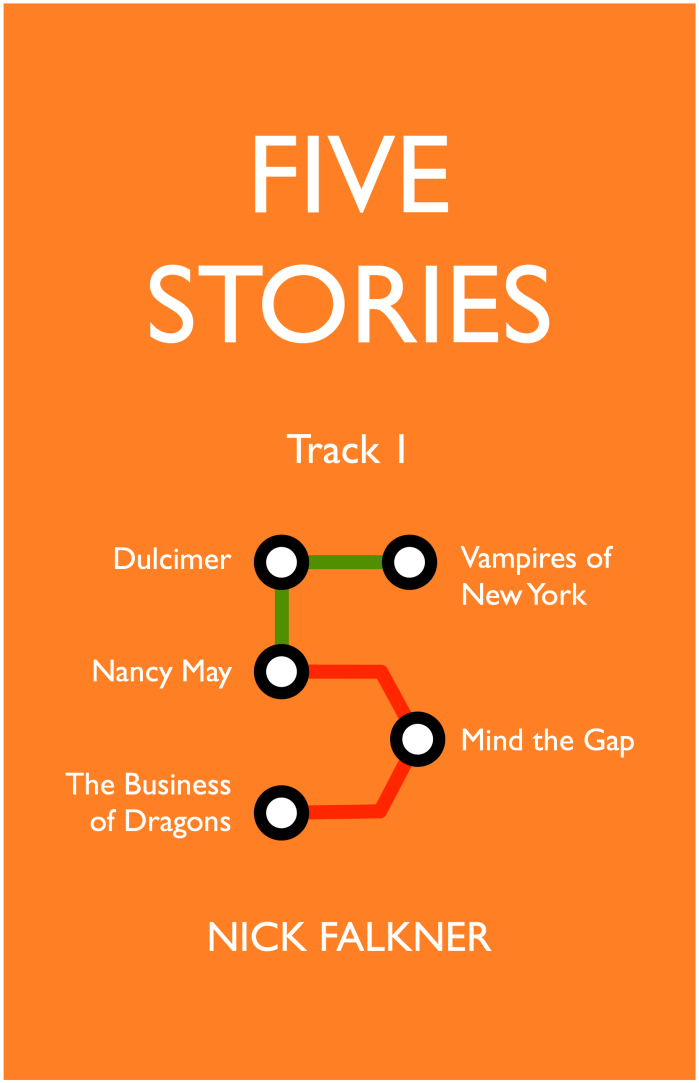
Good news! “Five Stories: Track One” by Nick Falkner is now available for pre-order at Smashwords, iBooks store, and many other providers. The release date is the 18th of March, which will allow me to get a little more comfortable with the overall process.
You can go to either of the sites above and read the first story for free… although it would be nice if you pre-ordered, if I’m being honest. You even get enough of the second story that you might want to buy the book to finish it.
I’m very excited but I now know that I have to start the prep process for the novel this weekend if I’m going to have any chance of having it in stores for April 1st.
(I was planning to handle iBook store distribution myself but, right now, I’m letting Smashwords handle that on my behalf. The book I will probably do myself.)
One of the issues with an eBook is that there’s nothing to hand over at a book launch. People like physical things, even if they are big fans of the digital format. As you know, I’m a printmaker, and I decided that I could create something fun that would be a proxy for the book.
QR codes are those two dimensional black and white blocky things you see all over posters, bus-stops, and movie advertisements. (The QR stands for Quick Response, if you’re curious.) You can take information and put it into the QR code, then someone can scan it with a phone that understands the codes and see your message.
This one says “Thine Antique Pen”, for example.
QR codes can also store URLs, the addresses that we use to locate things on the web. Of course, my eBooks will have URLs, one for the Apple store and one for Smashwords. This got me thinking; I could create a QR code that would take people to my book and I could print it out in a way that would allow me to sign and distribute them, just as you would for a first edition at a book launch.
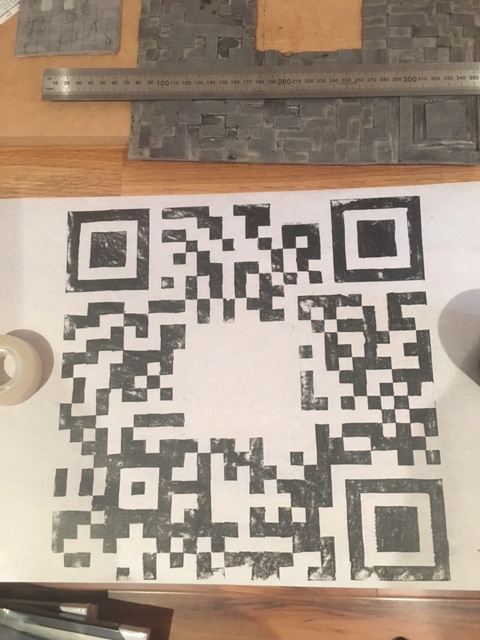
Here’s my test run. I made up a goo.gl shortening link and I turned it into a QR code (there are many sites that will do this for you), leaving a big hole in the middle for me to be able to sign or personalise any of the prints that I see. QR codes can be set up to allow them to be very tolerant of missing parts of the puzzle and I wanted a big empty space in the middle to give me the freedom to make a simple print more interesting.
I decided to use a 29×29 grid and worked on lino, working in pencil to create the reversed image (relief printing is going to flip it!) and then cutting it out. Finally, I decided to print it at home using only hand pressure, Japanese paper and Gamblin black relief ink (one of my favourite inks). As a test, if the image can be scanned with the innate variability of my hand printing technique, then it will work really well when it goes into a lino press.
Here’s an animation of the process, a collection of photos that take you through the process to the end.
This makes it look a lot easier than it was but it was still huge fun. I worked on this at Union Street Print Studios in Stepney, as well. Want to get into printing? Get in touch with Union Street and the amazing Simone.
It takes about eight hours from start to finish to do this. I like to work slowly and take breaks to avoid over-cutting and I spend a lot of time at the start to make sure that what I have sketched is actually the correct image and is correctly flipped.
Here’s the final print, in all of its shaky glory. But it does scan and that means that, when I finally get the real URLs for my book, they should scan as well. And now I know that people at my book launch will have something that they can take away, if they want to buy something physical as well as digital.
Notice the beautiful “hand made” details. That’s artisanal impact, that is. Feel the quality.


 Nick Falkner, Personal Projects